

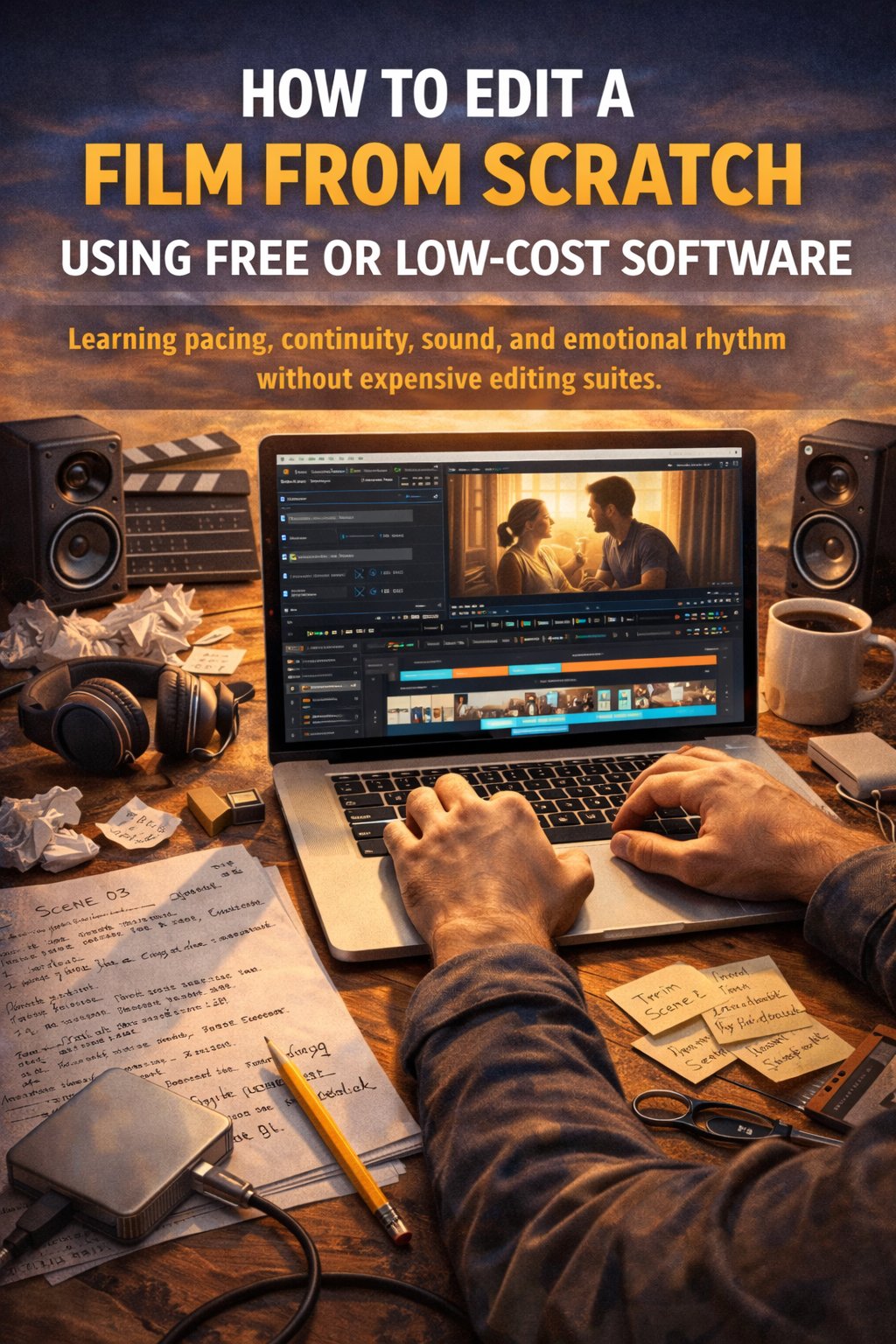
Learning pacing, continuity, sound, and emotional rhythm without expensive editing suites
Editing is where a film quietly decides who it wants to be. A powerful performance can be weakened by poor pacing. A simple shot can become unforgettable with the right cut. Editing is not about software prestige. It is about judgment, patience, and rhythm.
You can learn all of that without paying for expensive suites. Free and low-cost tools are more than capable. What matters is how you use them.
Choose One Editing Program and Commit
The fastest way to stall learning is switching software constantly.
Free programs like DaVinci Resolve, HitFilm, or Lightworks offer professional-level tools if you stay with them long enough. Pick one and commit. Learn shortcuts. Learn where tools live. Muscle memory frees your brain for creative decisions.
The software is the instrument. Mastery comes from repetition, not options.
Start With Organization, Not Cutting
Good editing begins before the first cut.
Create folders for footage, audio, music, and exports. Name clips clearly. Sync sound early. Organization reduces frustration and protects creativity.
Lay out your footage chronologically. Watch everything. Even the bad takes. Editors discover unexpected moments by paying attention.
Rushing this step leads to confusion later, when clarity matters most.
Build the Story Before Polishing
Editing is storytelling in reverse.
Start with a rough cut focused only on structure. Do scenes make sense. Does information arrive at the right time. Are motivations clear.
Do not worry about perfection yet. Hard cuts are fine. Missing audio is fine. This phase is about understanding the film’s spine.
If the story works here, it will survive refinement.
Learn Pacing by Feeling the Cut
Pacing is not measured in seconds. It is felt.
Watch scenes without sound. Notice when your attention drifts. Those moments need tightening. Then watch with sound only. Notice emotional shifts.
Cut earlier than feels comfortable. Then cut a little earlier again. Most beginner edits linger too long.
Great pacing feels invisible. When viewers forget the edit, you are doing it right.
Protect Continuity Without Becoming Rigid
Continuity keeps the viewer oriented.
Watch for screen direction, eyelines, and logical movement. Make sure time flows clearly, even when compressing events.
But continuity is not law. Emotional continuity matters more than technical perfection. If a cut feels right emotionally, audiences will forgive small visual inconsistencies.
Clarity beats precision.
Treat Sound as Half the Film
Sound is not an accessory. It is structure.
Clean dialogue first. Remove distractions. Balance levels so viewers are not adjusting volume constantly.
Use ambient sound to glue cuts together. Room tone smooths transitions. Silence creates tension. Music should support emotion, not announce it.
Many free sound libraries and royalty-free tracks exist. Choose sparingly. Less sound often carries more weight.
Edit for Emotional Rhythm, Not Speed
Editing is closer to music than math.
Each scene has an internal rhythm. Dialogue scenes breathe differently than action scenes. Emotional moments need space. Plot moments need momentum.
Trust instinct, but verify by watching repeatedly. Take breaks. Distance reveals flaws better than overthinking.
Emotional rhythm is what separates functional edits from memorable ones.
Export, Watch, Repeat
Never trust your timeline alone.
Export your film and watch it like an audience member. Different screens reveal different problems. Note where attention fades or confusion arises.
Re-edit. Export again. Improvement happens through cycles, not inspiration.
Editing is not fast. It is layered.
Learning to edit without expensive software is not a compromise. It is freedom. You are learning the core language of cinema, not a brand.
When you control pacing, continuity, sound, and rhythm, the tools disappear. The story remains. 🎞️✂️
NY Glamour Recommends
“A carefully selected collection of products inspired by today’s story.”



I’ve tried a few platforms this month and this one stands out for its customer support. They helped me out with my bonus instantly. Great job br389win21!
Really impressed with the customer service here. They answered my questions quickly and helped me set up my account without any stress. Solid experience with bdjb777.
I appreciate the variety of games available. There is always something new to explore and the rewards keep me coming back to vnke88
Feeling lucky today and this app is the perfect place to test my streak. The graphics are top notch. Visit pkluckygameapk now.